
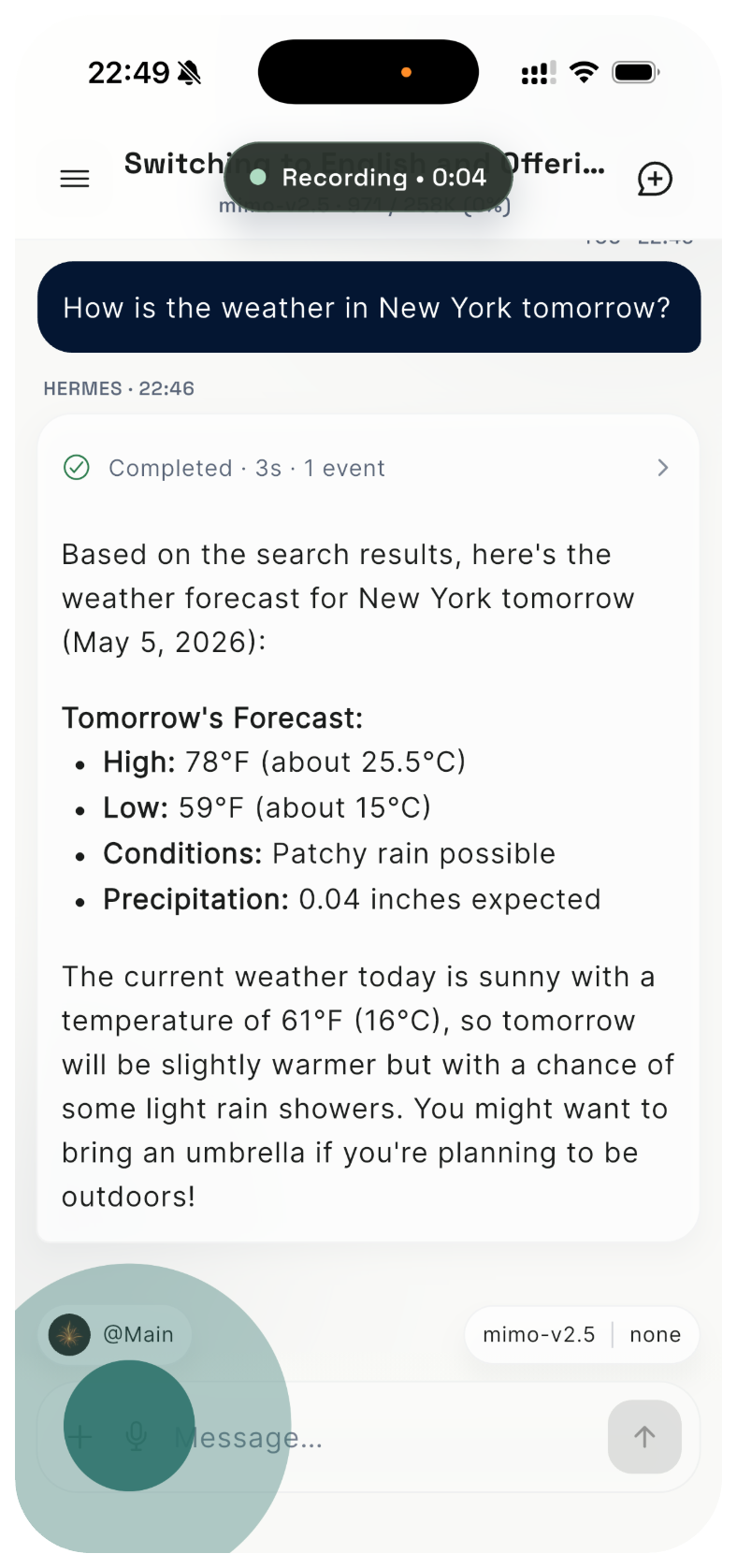
Follow tasks away from your desk
Check progress, replies, and tool results while you are away from your computer.
HermesPilot App
HermesPilot connects to your own Hermes Agent through the local Hermes Link service. Keep conversations moving, send files, use voice input, switch Profiles, and check runtime status from your phone.
App Highlights
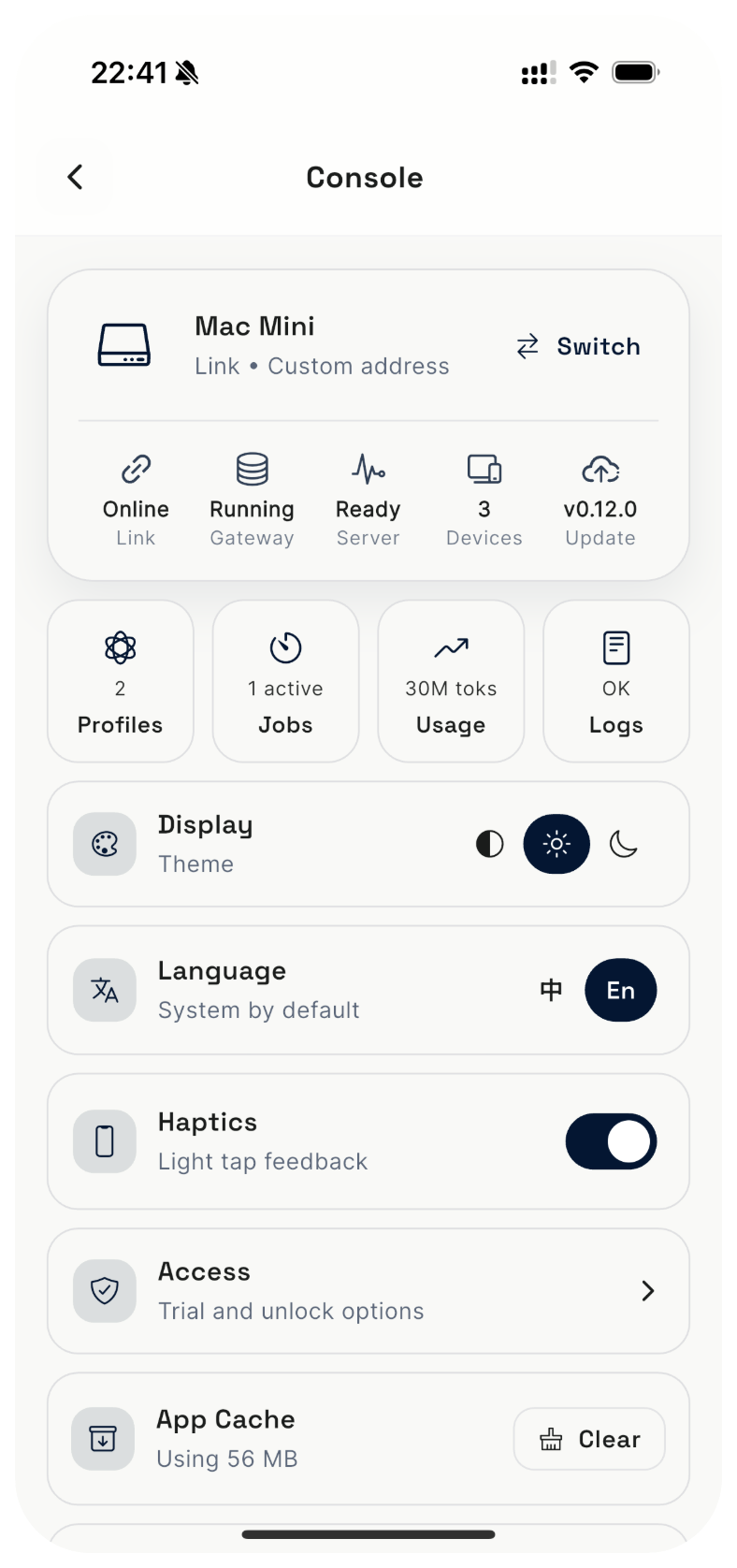
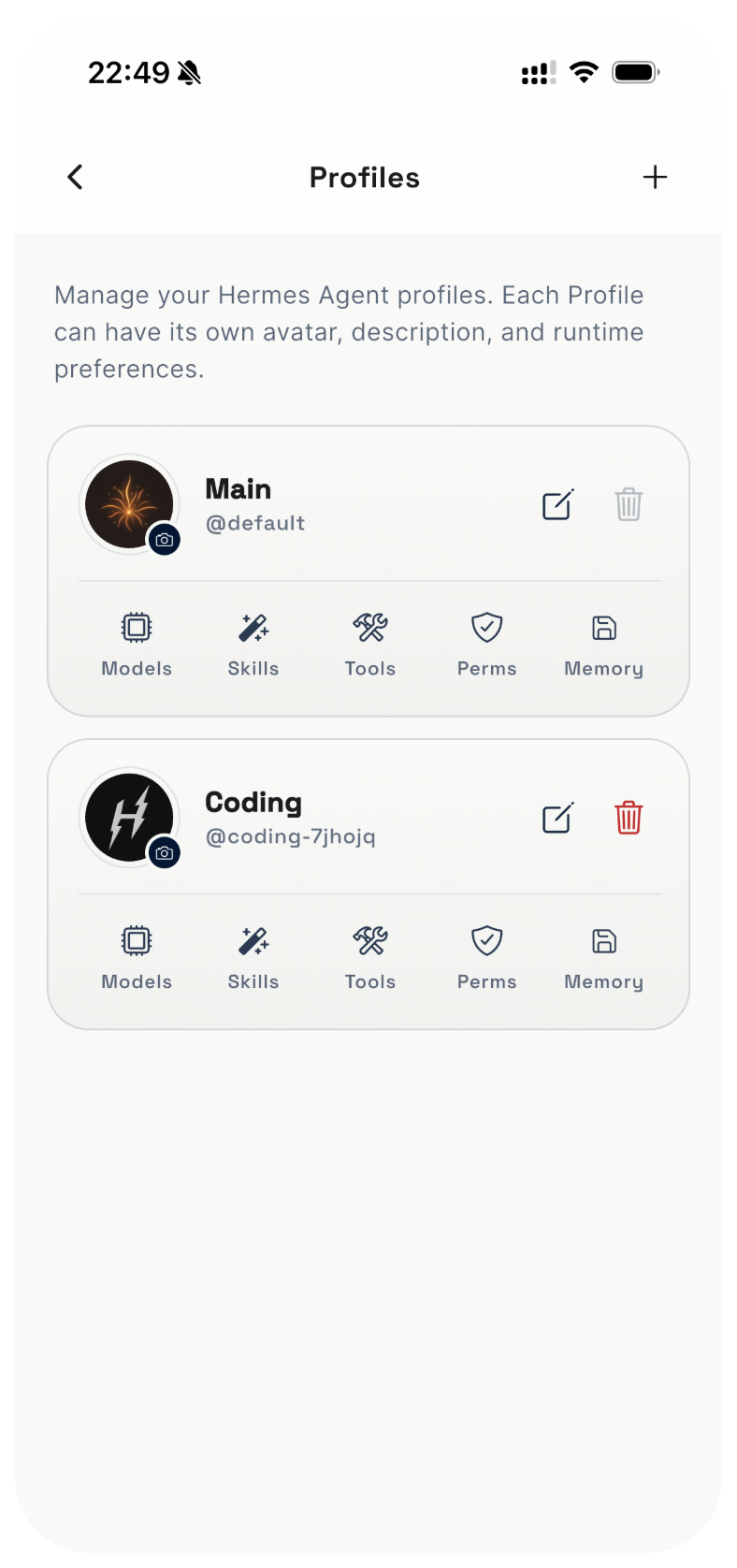
Explore chat, console, Link management, and Profile controls to see how HermesPilot extends your local Agent to your phone.
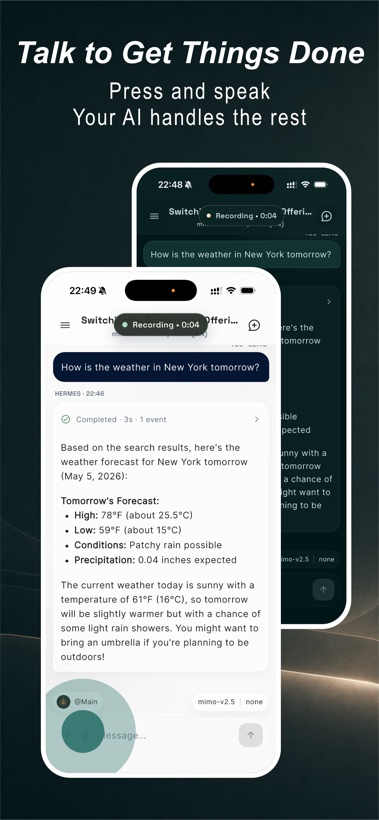
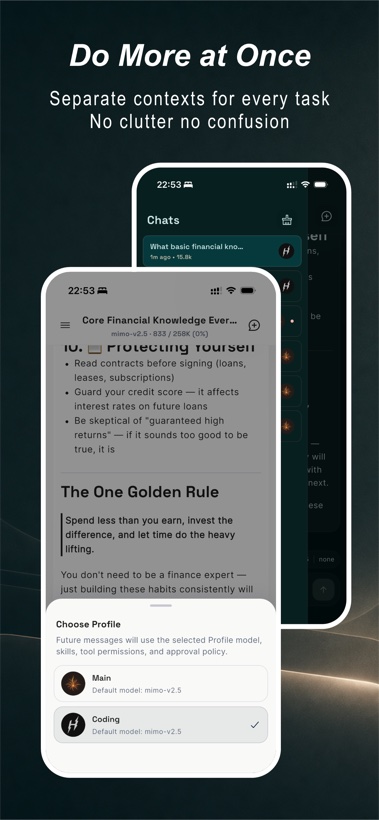
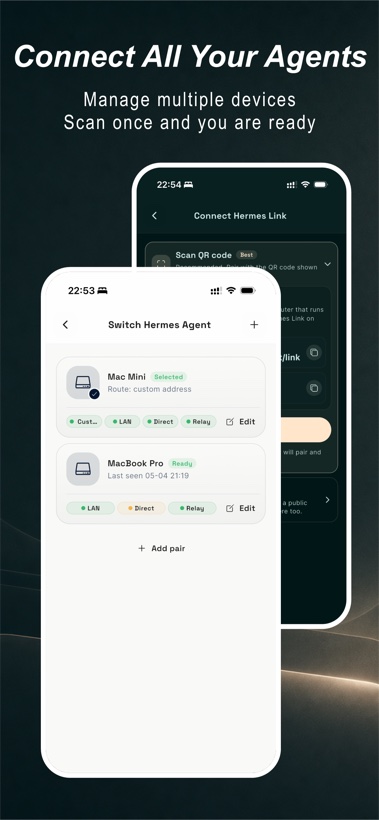
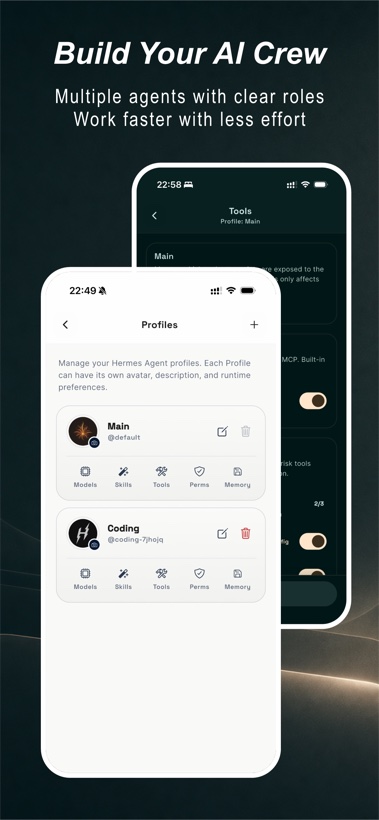
Check progress, replies, and tool results while you are away from your computer.
Hand PDFs, images, and voice prompts to Hermes, then let it work inside your own desktop environment.
Separate writing, coding, and research with different models, skills, tool permissions, and memory.
Prefer LAN when possible, then use public direct or Relay fallback when your network changes.
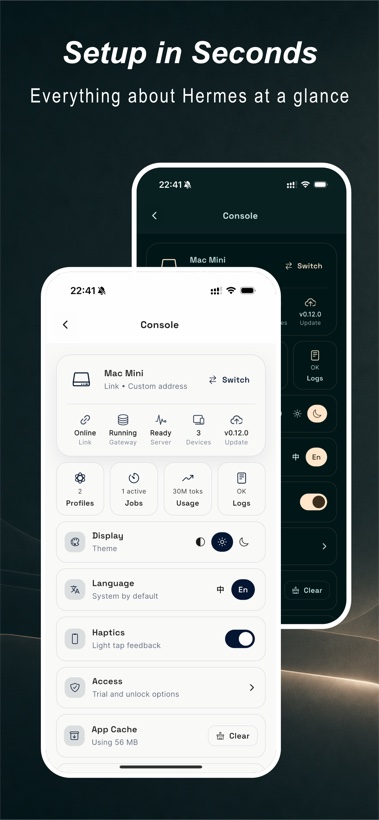
Review Link, Gateway, Server, devices, logs, usage, and Hermes update status from the App.
HermesPilot is not cloud-hosted Hermes. Link is the secure access layer running on your machine.
Get Started
If Hermes Agent already runs on your computer, install Link and pair by scanning the QR code.